Capabilities
System & data
Encrypted at restoption
persistent LUKS
Data is encrypted while the device is locked (FBE on phones, LUKS applied at the workshop on laptops).
− Weakens amnesia.
SourceAmnesic (Tails)stock (upstream)
Tails leaves no trace: everything runs in RAM and vanishes at shutdown, save an optional persistent volume.
SourceRadio & network
Built-in VPN & Torstock (upstream)
all via Tor
The GL.iNet firmware ships WireGuard/OpenVPN and a Tor mode for all router traffic.
SourceWorkshop & support
Installed, verified at the workshoponsecret workshop
We flash, verify integrity and re-lock every unit. For USB keys we provide the signature-verification procedure — don't take our word for it.
− Pre-imaged — verify the signature, procedure provided.
● stock (upstream)◆ onsecret workshop○ option— absent
What this does not protect against
- Does not protect against a compromised host firmware/BIOS.
- Tor hides your IP, not everything: identifying behavior still gives you away.
- Pre-imaged by us: **verify the signature** before trusting it (procedure provided).
- Persistence weakens amnesia — enable only knowingly.
What the workshop does to this device
Our pipeline
- USB keys: imaged at the workshop, signature-verification procedure provided — don't take our word for it.
- Passive accessories (Faraday sleeve, data-blocker): checked, shipped as-is — nothing to configure.
What you can ask us
- Questions: Signal / PGP / anonymous ticket.
- Re-imaging of a key on request.
What we do not do
- No software added to passive accessories.
- No remote support (no connected device).
What it is
What this is
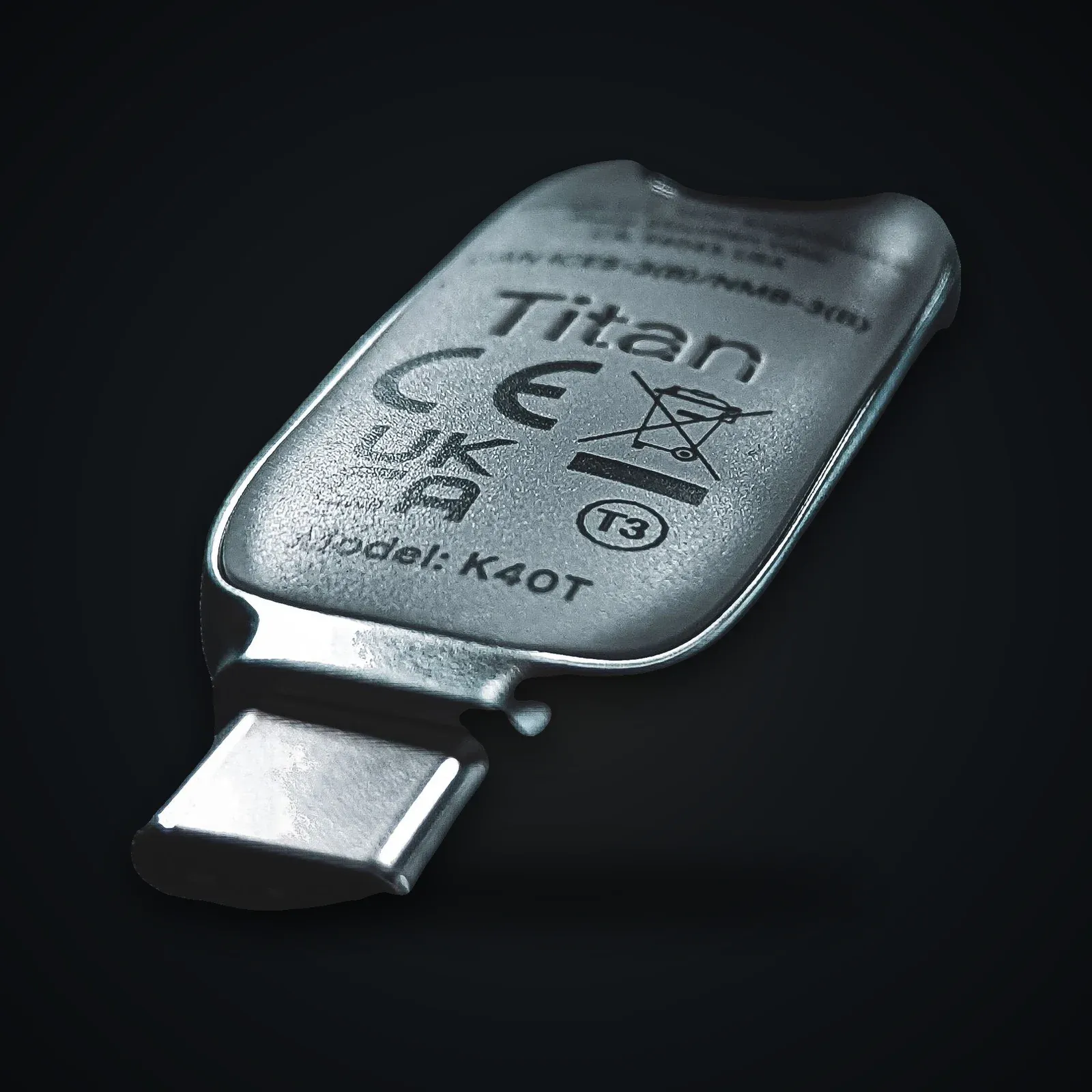
A ready-to-use Tails stick: boot any PC from it, work, shut down — nothing is left on the machine. All networking goes through Tor.
Honesty
We pre-image the latest version, but best practice is to verify it yourself (or reinstall from tails.net). Trust is verified, not bought.
Usage guide
Verify (recommended)
Before sensitive use, follow Tails verification (OpenPGP signature / official image).
Boot
- Insert the stick, boot the machine from USB (vendor boot menu).
- At the welcome screen, enable persistence if needed.
Good use
- Don't mix Tor identities with named accounts.
- Avoid persistence for the most sensitive use.
Specifications
| Media | 32 GB USB stick |
|---|---|
| OS | Tails (latest), pre-imaged |
| Network | All traffic via Tor |
| Persistence | Optional encrypted volume (LUKS) |
| Trace | Amnesic: nothing written to the host |
After purchase
Your device arrives already prepared — this guide is for redoing everything yourself or checking our work.
Open the full guide
Vérifier (recommandé)
Avant usage sensible, suivez la vérification Tails (signature OpenPGP / image officielle).
Démarrer
- Insérez la clé, démarrez la machine sur l'USB (menu boot du constructeur).
- À l'écran d'accueil, activez la persistance si besoin.
Bon usage
- Ne mélangez pas identités Tor et comptes nominatifs.
- Évitez la persistance pour les usages les plus sensibles.
Verifiable sources
- Tails — site officiel Verified on: 15 June 2026
- Installer / vérifier Tails Verified on: 15 June 2026
- Documentation Tails Verified on: 15 June 2026
- Tor Project Verified on: 15 June 2026