Capabilities
Authentication
FIDO2 / U2F / OTPstock (upstream)
Hardware key bound to the site origin: resists phishing where an SMS or TOTP code fails.
SourceOpenPGP smartcardstock (upstream)
OpenPGP keys are generated and stored on the card — they never leave the hardware.
SourceOpen lineagestock (upstream)
Open-source hardware and/or firmware, verifiable images (SHA-256) — auditable end to end.
Source● stock (upstream)◆ onsecret workshop○ option— absent
What this does not protect against
- Protects the **login**, not the device or data at rest.
- Useless if the service doesn't support FIDO2/U2F.
- Losing your only key locks you out: register **two**.
- Not a replacement for a password manager or disk encryption.
What the workshop does to this device
Our pipeline
- USB keys: imaged at the workshop, signature-verification procedure provided — don't take our word for it.
- Passive accessories (Faraday sleeve, data-blocker): checked, shipped as-is — nothing to configure.
What you can ask us
- Questions: Signal / PGP / anonymous ticket.
- Re-imaging of a key on request.
What we do not do
- No software added to passive accessories.
- No remote support (no connected device).
What it is
What this is
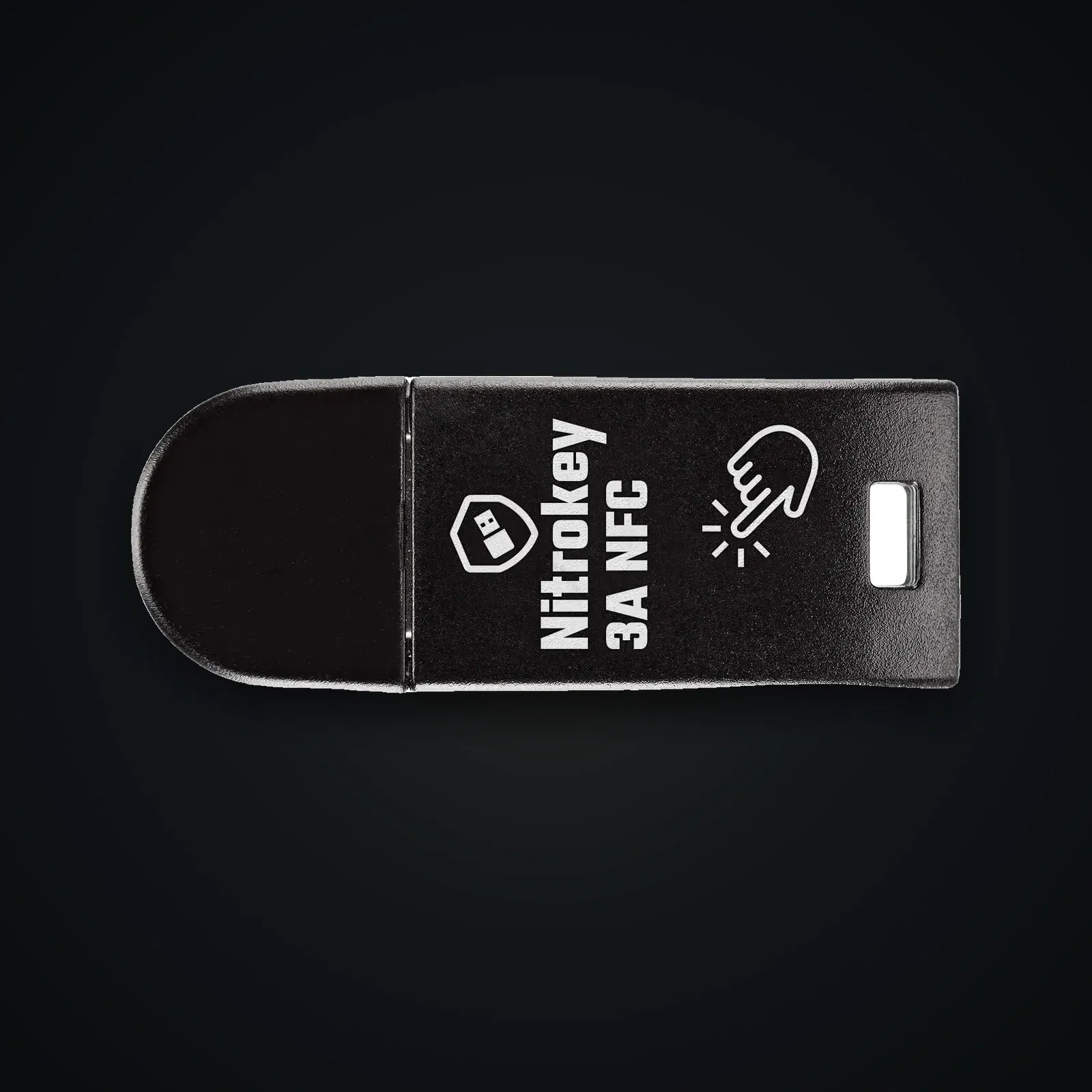
A hardware security key (Nitrokey lineage): phishing-resistant 2FA via FIDO2/WebAuthn, plus an OpenPGP smartcard for your GPG/SSH keys. Secrets never leave the chip.
Why FIDO2
Unlike TOTP codes, FIDO2 binds authentication to the site origin: a phishing site can't replay the signature.
Usage guide
Getting started
- Register the key as 2FA on your critical accounts (Google, GitHub…) via their security settings.
- Register a second backup key, stored separately.
OpenPGP / SSH
- Generate/import your keys on the card; use it to sign/decrypt and for SSH auth. See the Nitrokey docs.
Good practice
- Prefer FIDO2 over TOTP where supported; test the backup key.
Specifications
| Protocols | FIDO2 / WebAuthn, U2F, OpenPGP, OTP |
|---|---|
| Anti-phishing | Origin-bound authentication |
| Smartcard | OpenPGP keys generated/stored on-device |
| Openness | Open-lineage firmware/hardware (Nitrokey) |
After purchase
Your device arrives already prepared — this guide is for redoing everything yourself or checking our work.
Open the full guide
Mise en route
- Enregistrez la clé comme 2FA sur vos comptes critiques (Google, GitHub…) via leurs réglages de sécurité.
- Enregistrez une seconde clé de secours, rangée à part.
OpenPGP / SSH
- Générez/importez vos clés sur la carte ; utilisez-la pour signer/déchiffrer et l'auth SSH. Voir la documentation Nitrokey.
Bonnes pratiques
- Privilégiez FIDO2 à TOTP quand c'est possible ; testez la clé de secours.
Verifiable sources
- Nitrokey — officiel Verified on: 15 June 2026
- Documentation Nitrokey Verified on: 15 June 2026
- FIDO Alliance (WebAuthn) Verified on: 15 June 2026