Capabilities
Boot & firmware
Measured boot + TOTPabsent
Heads measures the firmware at boot and proves its integrity via a TOTP code. Requires flashed Heads with the TPM bound — done at the workshop.
SourceOpen firmware (Coreboot)stock (upstream)
if supported
The boot firmware is Coreboot — open-source and auditable — instead of the vendor BIOS.
− Depends on a configurator choice.
SourceNo Intel MEstock (upstream)
AMD
No active Intel Management Engine. On AMD there is no Intel ME (but the proprietary AMD PSP remains). Neutralization is never total.
− AMD PSP present, proprietary.
SourceSecure elementabsent
Dedicated chip that stores keys and throttles PIN attempts (Titan M2 on Pixel, dTPM on some ThinkPads).
SourceGuaranteed updatesabsent
Security-update window documented by the manufacturer. Shown only when it is guaranteed.
SourceSystem & data
Encrypted at restonsecret workshop
LUKS
Data is encrypted while the device is locked (FBE on phones, LUKS applied at the workshop on laptops).
SourceCompartmentalization (Qubes)option
Qubes
Qubes OS isolates your activities in walled VMs — a compromise does not spread to the rest.
SourceAmnesic (Tails)option
Tails
Tails leaves no trace: everything runs in RAM and vanishes at shutdown, save an optional persistent volume.
SourceWorkshop & support
Installed, verified at the workshoponsecret workshop
We flash, verify integrity and re-lock every unit. For USB keys we provide the signature-verification procedure — don't take our word for it.
Tamper-evident seal appliedonsecret workshop
A tamper-evident seal is applied at the workshop: opening it leaves a visible mark.
● stock (upstream)◆ onsecret workshop○ option— absent
What this does not protect against
- AMD has no Intel ME, but the **PSP** co-processor remains proprietary and unauditable.
- No protection once the session is open.
- Internal radios are proprietary.
- Coreboot is not always available on this platform — check the delivered config.
What the workshop does to this device
Our pipeline
- Coreboot/Heads flash depending on the model (X1C G8: measured boot + TOTP; X1C G11: stock firmware kept — this generation is unsupported, we won't tell you otherwise).
- Chosen OS install (Qubes, Tails, Debian) + LUKS encryption.
- Tamper-evident seal applied, where claimed.
- Integrity check and unit sheet handed over.
What you can ask us
- Questions and advice: Signal / PGP / anonymous ticket (see /support).
- Help re-flashing or changing the OS.
- Verification: we show you how to check our work.
What we do not do
- No RustDesk-style remote support on laptops: the managed stack only covers Android phones.
- No vendor-firmware update guarantee.
- On the X1C G11 we do not claim to neutralize Intel ME or set up measured boot — the hardware does not allow it.
Choose within the range
| ThinkPad X1 Carbon Gen 8 — hardened« Maximum firmware trust »€665 Monero€950 card | ThinkPad T14 Gen 3 AMD — hardenedHERE« No Intel ME »€1,015 Monero€1,450 card | ThinkPad X1 Carbon Gen 11 — hardened« Recent hardware »€1,463 Monero€2,090 card | |
|---|---|---|---|
| Differences | |||
| Measured boot + TOTP | Heads + TOTP | ||
| Open firmware (Coreboot) | Coreboot | if supported*perConfig | |
| No Intel ME | AMD | ||
| Secure element | TPM | dTPM 2.0 | |
| Compartmentalization (Qubes) | Qubes | Qubes | Qubes |
| Tamper-evident seal applied |
More expensive does not mean safer: the recent model keeps its vendor firmware where the older one offers measured boot.
Top threat = evil-maid / firmware → X1C G8. Refusing Intel ME and needing performance → T14. Recent hardware with Qubes compartmentalization as your defence → X1C G11.
What it is
What this is
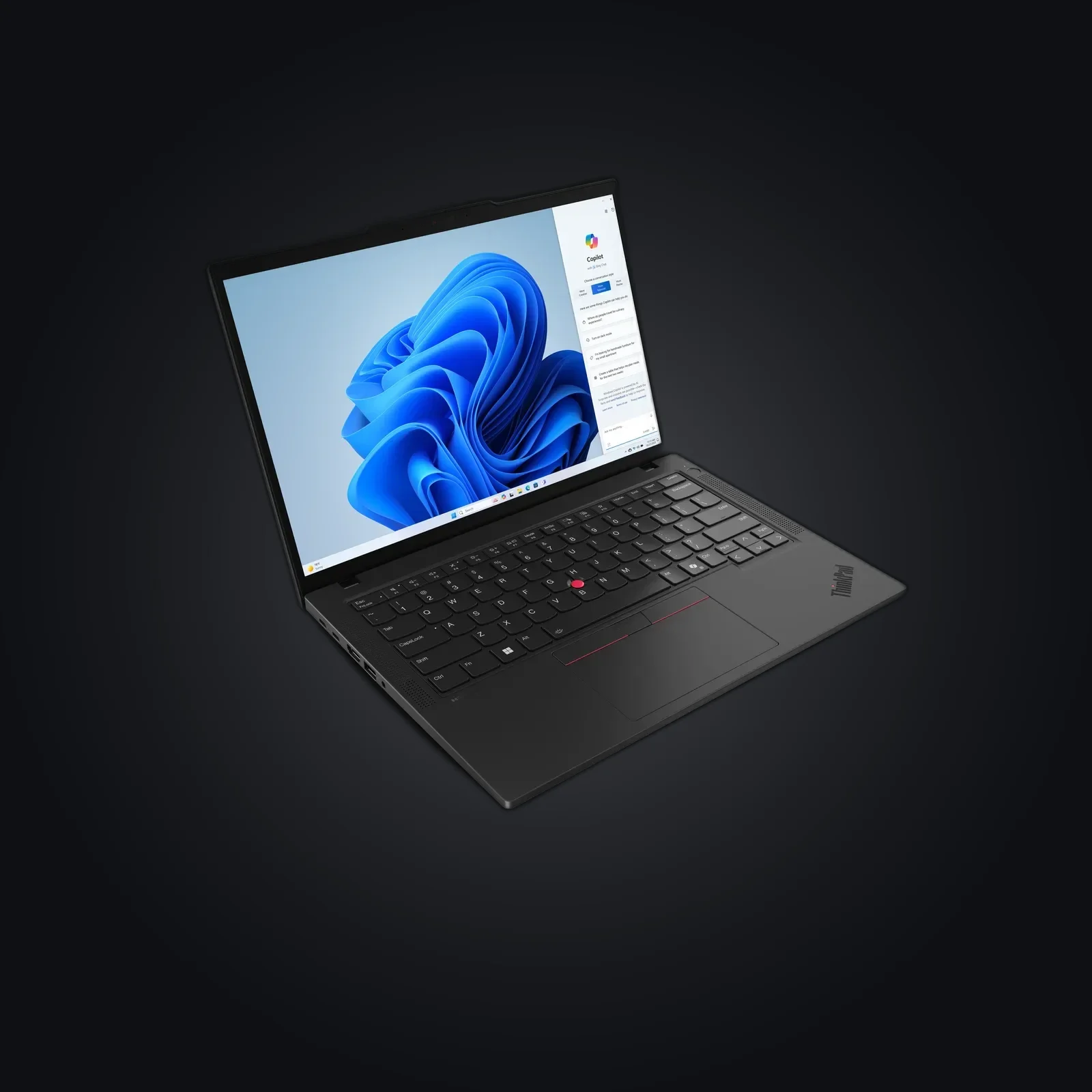
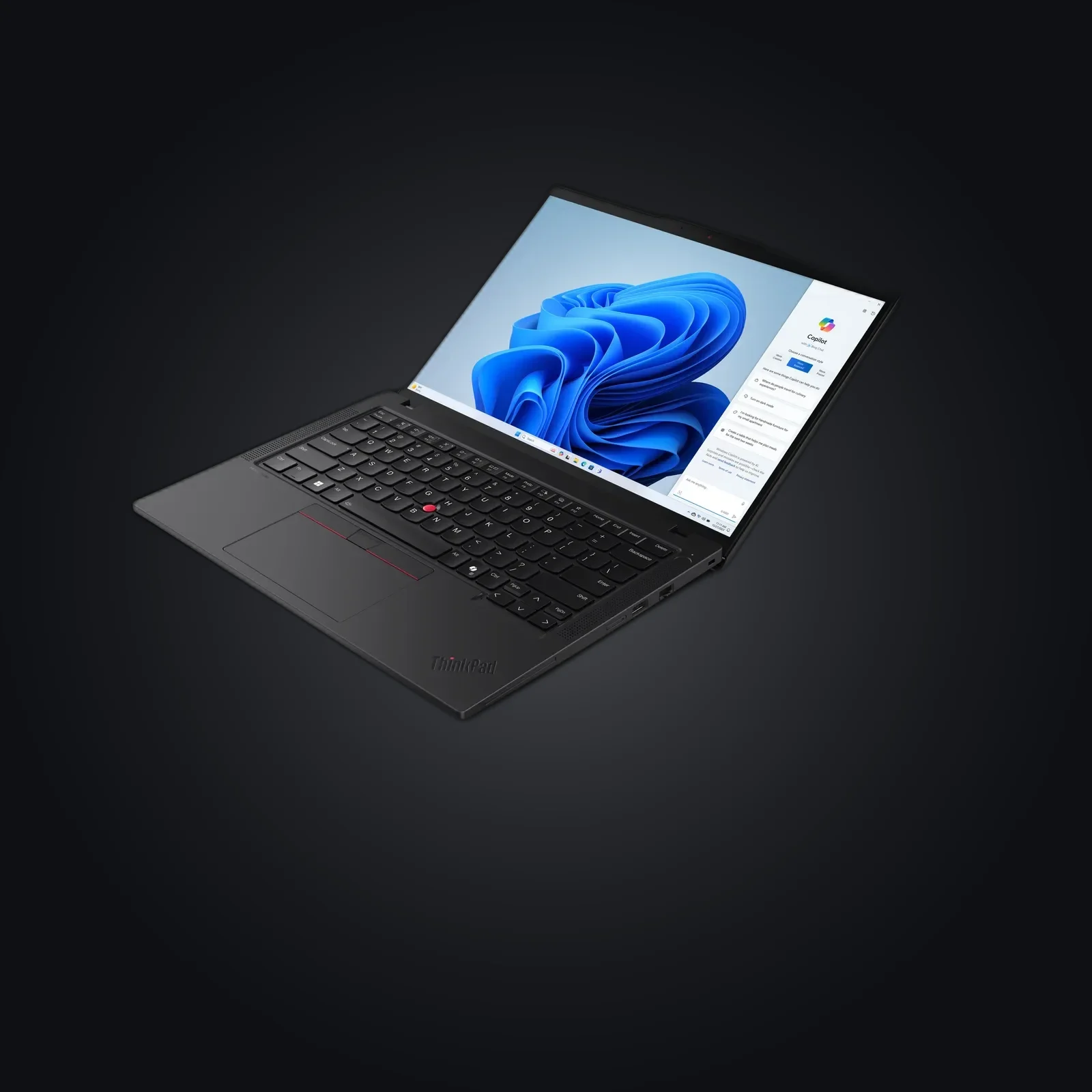
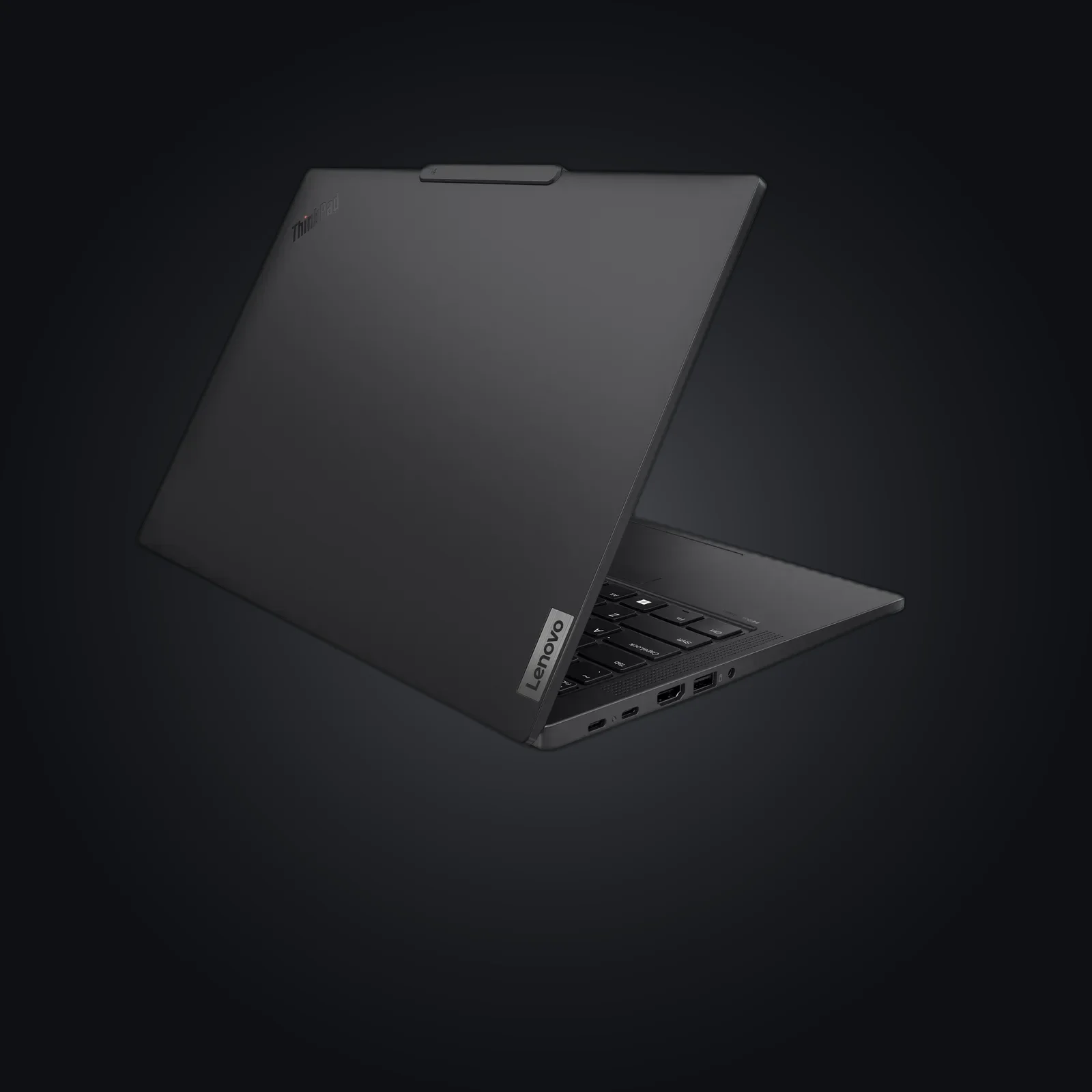
A T14 Gen 3 AMD: the platform avoids the Intel Management Engine. Encrypted disk (LUKS), and your choice of Qubes OS, Tails or a hardened Debian. The line's best balance of modern power and reduced attack surface.
Honest positioning
No Intel ME ≠ "no proprietary firmware": AMD's PSP exists. We say so plainly.
Usage guide
Getting started
- Check the anti-tamper seal (reference provided).
- Unlock LUKS, open your OS.
Choosing your OS
- Qubes OS: VM-based isolation — docs.
- Tails: amnesic + Tor — tails.net.
- Hardened Debian: classic hardened workstation (auditd, AppArmor, auto-updates).
Good practice
- Encrypted offline backups; strong LUKS passphrase.
Specifications
| Model | Lenovo ThinkPad T14 Gen 3 AMD (Ryzen Pro) |
|---|---|
| Platform | AMD (no Intel ME; PSP present) |
| Storage | 512 GB NVMe (LUKS) |
| Firmware | Coreboot where supported; else hardened BIOS |
| OS | Qubes OS / Tails / hardened Debian |
| Condition | Refurbished, anti-tamper seal |
After purchase
Your device arrives already prepared — this guide is for redoing everything yourself or checking our work.
Open the full guide
Mise en route
- Vérifiez le sceau anti-tamper (référence fournie).
- Déverrouillez LUKS, ouvrez votre système.
Choisir son système
- Qubes OS : isolation par machines virtuelles — doc.
- Tails : amnésique + Tor — tails.net.
- Debian durci : poste durci classique (auditd, AppArmor, mises à jour automatiques).
Bonnes pratiques
- Sauvegardes chiffrées hors-ligne ; phrase secrète LUKS forte.
Verifiable sources
- Documentation Qubes OS Verified on: 15 June 2026
- Tails Verified on: 15 June 2026
- coreboot Verified on: 15 June 2026
- Debian — sécurité Verified on: 15 June 2026