Capabilities
Authentication
Open lineagestock (upstream)
community firmware
Open-source hardware and/or firmware, verifiable images (SHA-256) — auditable end to end.
Source● stock (upstream)◆ onsecret workshop○ option— absent
What this does not protect against
- A **dual-use** tool: use only on equipment you own or with written authorization.
- Community firmware widens capability — and your legal responsibility.
- Does not magically "hack": range and compatibility are bounded by physics.
- Radio law varies by country — inform yourself.
What the workshop does to this device
Our pipeline
- USB keys: imaged at the workshop, signature-verification procedure provided — don't take our word for it.
- Passive accessories (Faraday sleeve, data-blocker): checked, shipped as-is — nothing to configure.
What you can ask us
- Questions: Signal / PGP / anonymous ticket.
- Re-imaging of a key on request.
What we do not do
- No software added to passive accessories.
- No remote support (no connected device).
What it is
What this is
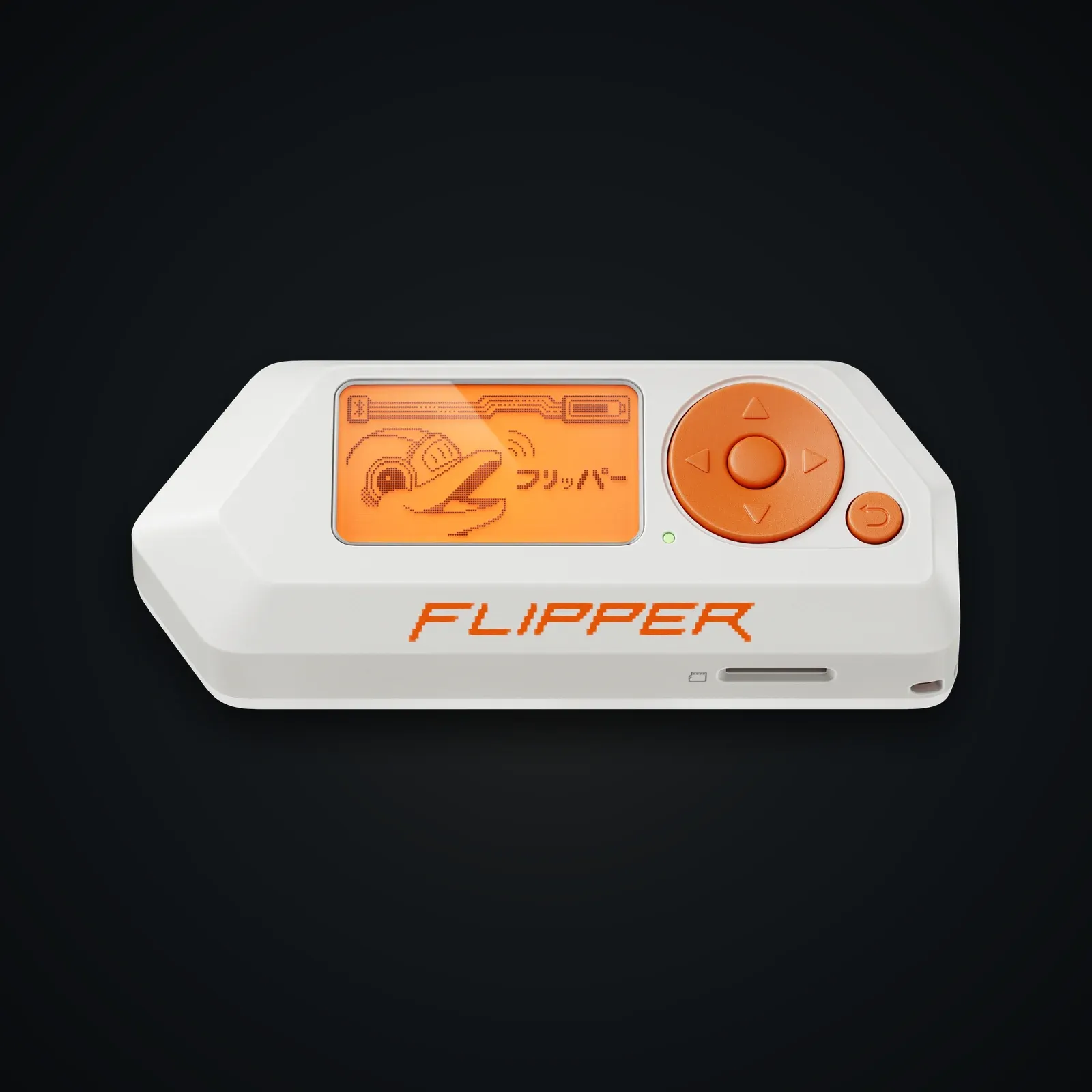
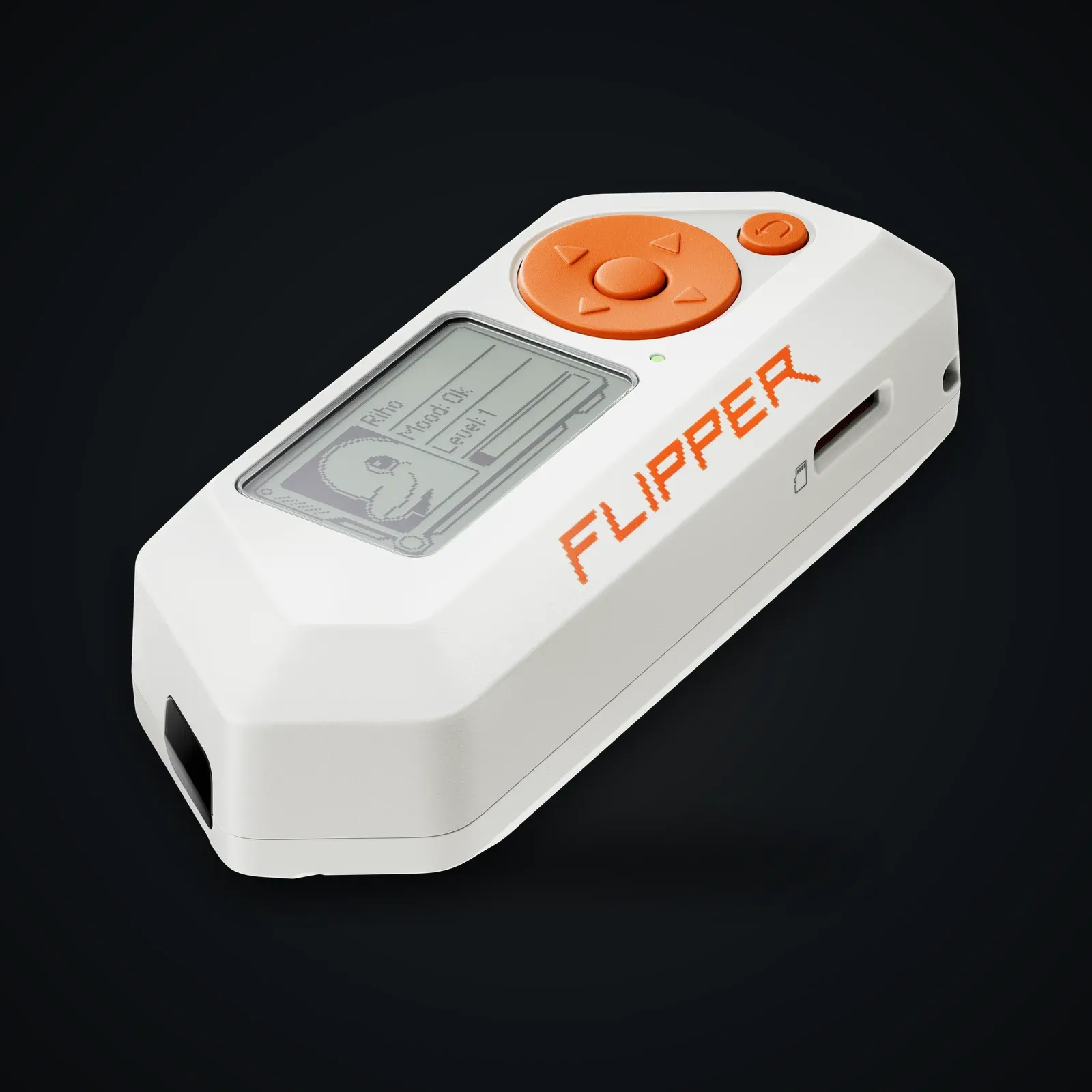
A Flipper Zero with community firmware, to explore and audit RF/NFC/IR protocols. A learning and pentest tool, to be used lawfully.
Framing
We provide it for research, authorized audit and education. Using it against third-party systems without authorization is illegal.
Usage guide
Get started
- Charge it; learn the navigation.
- Community firmware is pre-installed; to update, follow your firmware's docs (Momentum / Unleashed).
Typical (authorized) uses
- Read/emulate your own NFC/RFID badges.
- Learn sub-GHz protocols on your own remotes.
- Universal infrared transmitter.
Responsibility
Respect local law and others' property.
Specifications
| Device | Flipper Zero |
|---|---|
| Firmware | Community (e.g. Momentum / Unleashed) |
| Radio | Sub-GHz, NFC, 125 kHz RFID, infrared |
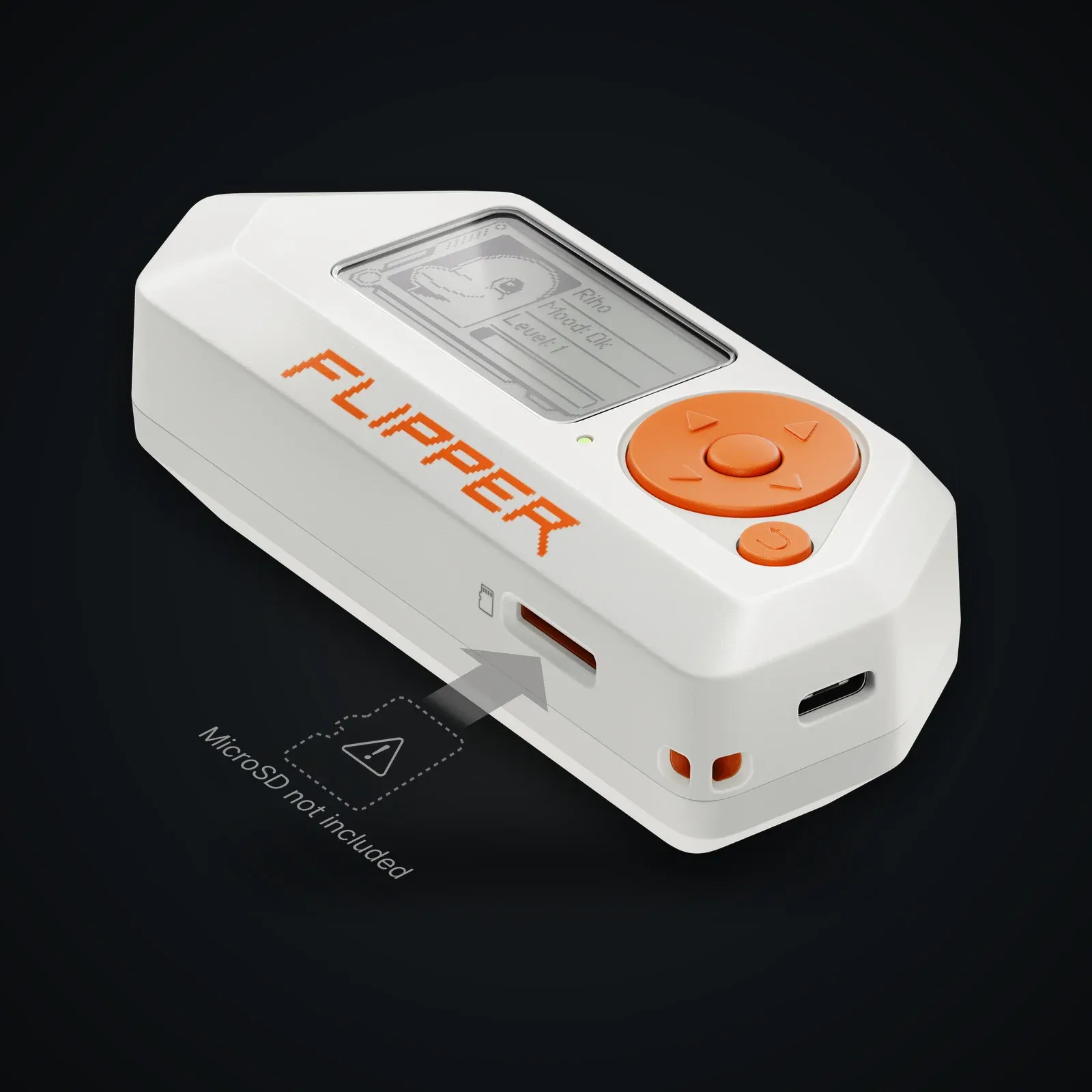
| Expansion | GPIO, add-on modules |
| Use | Research, audit, learning |
After purchase
Your device arrives already prepared — this guide is for redoing everything yourself or checking our work.
Open the full guide
Démarrer
- Chargez l'appareil ; prenez en main la navigation.
- Le firmware communautaire est pré-installé ; pour mettre à jour, suivez la doc (Momentum / Unleashed).
Usages typiques (autorisés)
- Lire/émuler vos propres badges NFC/RFID.
- Apprendre les protocoles sub-GHz sur vos télécommandes.
- Émetteur infrarouge universel.
Responsabilité
Respectez la loi locale et la propriété d'autrui.
Verifiable sources
- Flipper Zero — officiel Verified on: 15 June 2026
- Documentation Flipper Verified on: 15 June 2026
- Momentum firmware Verified on: 15 June 2026
- Unleashed firmware Verified on: 15 June 2026