
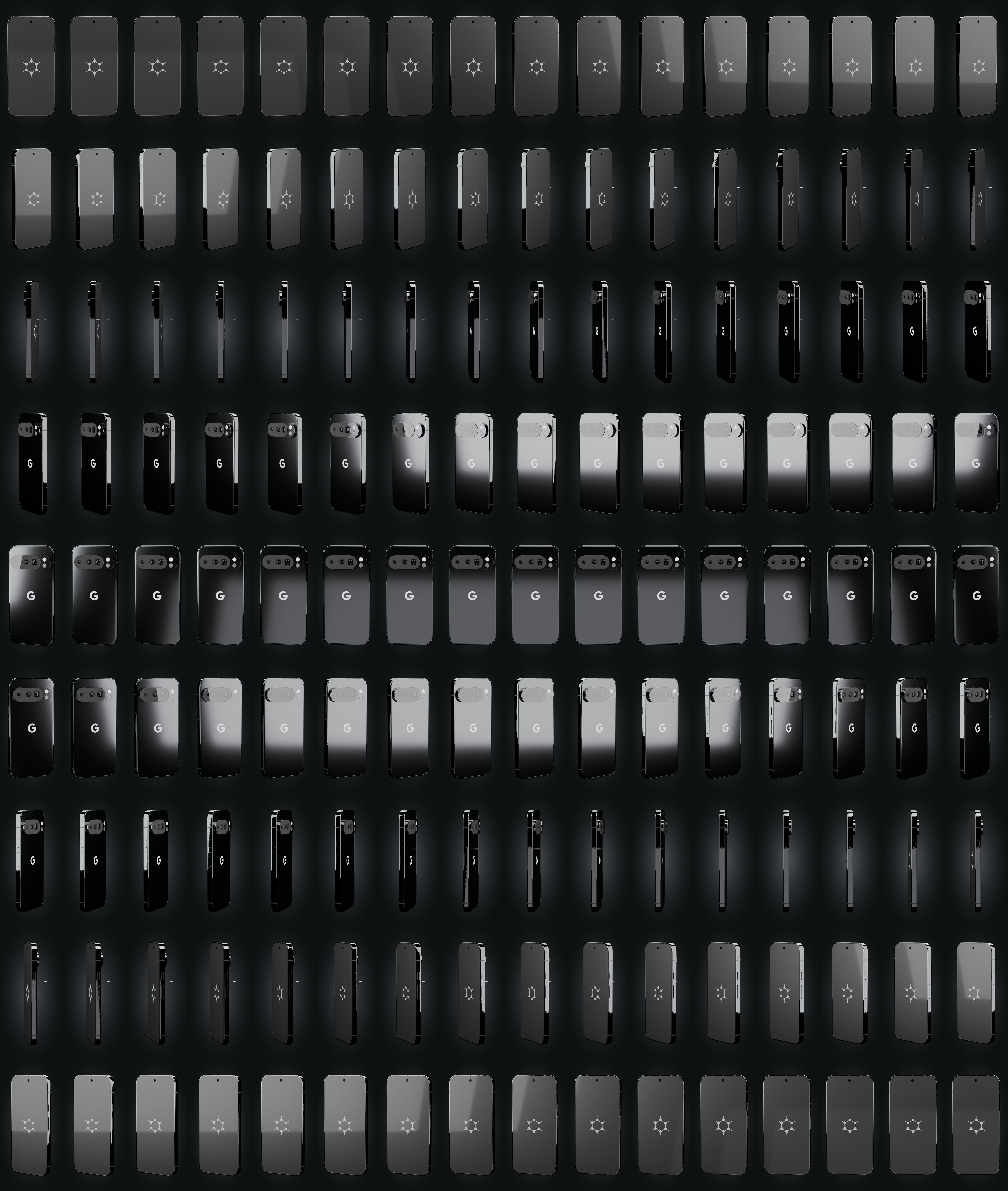
glisser pour tourner
Capabilities
Boot & firmware
Verified bootstock (upstream)
The bootloader is re-locked under GrapheneOS keys: the device refuses to boot a tampered system. Provided by GrapheneOS + Titan M2, re-locked at the workshop.
SourceSecure elementstock (upstream)
Titan M2 + StrongBox
Dedicated chip that stores keys and throttles PIN attempts (Titan M2 on Pixel, dTPM on some ThinkPads).
SourceGuaranteed updatesstock (upstream)
≥ 2032
Security-update window documented by the manufacturer. Shown only when it is guaranteed.
SourceSystem & data
No Google by defaultstock (upstream)
No Google service required. Play Services, if you want them, run sandboxed without privileges.
SourceHardware memory taggingstock (upstream)
ARM MTE + hardened_malloc catch many memory-corruption bugs as they happen (Tensor G3/G4/G5).
SourceEncrypted at reststock (upstream)
FBE
Data is encrypted while the device is locked (FBE on phones, LUKS applied at the workshop on laptops).
SourcePer-app sensors/networkstock (upstream)
GrapheneOS toggles network, sensors, storage and contacts per app (Network/Sensors toggles, Storage/Contact Scopes).
SourceTheft & coercion
Duress PIN → wipeonsecret workshop
A duress PIN triggers an irreversible wipe. A last resort: it destroys, it does not protect you from being forced to enter the real code. GrapheneOS function, armed with you at handover.
SourceAuto-reboot (18 h)onsecret workshop
18 h
The device reboots after inactivity and returns to the 'before first unlock' state, far more resistant to extraction. Interval set at the workshop.
SourceLocked = charge-only USBonsecret workshop
When the screen is locked, the USB port carries power only — data is cut off.
SourceWorkshop & support
Installed, verified at the workshoponsecret workshop
We flash, verify integrity and re-lock every unit. For USB keys we provide the signature-verification procedure — don't take our word for it.
Provisioned, ready to useonsecret workshop
Baseline apps installed, permissions and battery exemptions set: RustDesk, FMD, ntfy, F-Droid, SimpleX, Aegis, OpenKeychain, Organic Maps (+ built-in Vanadium).
Support — attended onlyonsecret workshop
Our RustDesk fork (server and key baked in), self-hosted relay. Always initiated by you: you open the app and read us the ID + a one-time password. No MDM, no permanent access, revocable.
Locate / wipe remotelyonsecret workshop
Self-hosted FMD (fmd.onsecret.net), no Google. Best-effort: a device that is off or offline cannot be wiped immediately.
− Best-effort: no effect if the device is offline.
Push without Googleonsecret workshop
ntfy UnifiedPush (push.onsecret.net, deny-all), one credential and token per device — no FCM dependency.
Encrypted support channelonsecret workshop
SimpleX preconfigured: our SMP server added, a 1-1 with the support bot and the clients group wired up in advance.
Faraday packoption
+35 €
A Faraday sleeve added as an option — the same one we sell on its own for €79.
● stock (upstream)◆ onsecret workshop○ option— absent
What this does not protect against
- Does not protect against the cellular baseband identifying you to the carrier. Connecting to a network inherently reveals your SIM/eSIM identifiers and approximate location; only airplane mode disables the radio.
- Does not defend against compelled unlock, theft while unlocked, or coercion. A duress PIN and auto-reboot reduce at-rest exposure, but cannot stop an adversary who forces or observes you unlocking the device.
- Does not make you anonymous. Account logins, app telemetry, payment, IMEI/IMSI, and network metadata can still deanonymize you; GrapheneOS hardens the OS, not your behavior or the services you use.
- Does not guarantee resistance to a well-resourced physical forensic attacker. Verified boot and the secure element raise the cost of extraction, but no consumer device is proof against state-grade lab attacks.
- Does not vet third-party apps. Sandboxed Google Play and other apps still run code you trust; the OS sandboxes them but cannot audit their intent.
- Does not bypass lawful interception or evade legal process. This is a privacy-hardening tool for lawful use, not a means of evading lawful interception.
What the workshop does to this device
Our pipeline
- GrapheneOS reflash, bootloader re-locked under GrapheneOS keys, integrity verified.
- Baseline apps installed, permissions and battery exemptions set (RustDesk, FMD, ntfy, F-Droid, SimpleX, Aegis, OpenKeychain, Organic Maps; built-in Vanadium).
- USB protection: data cut off while the device is locked.
- Tokens minted per device on our infrastructure (deny-all notifications, locate/wipe enrolment, pinned relay key).
- RustDesk preconfigured — our build, server and key baked in: zero setup for you.
- Guided hardening with you at handover: 6+ word diceware passphrase, duress PIN, auto-reboot (18 h), SimpleX channel wired to support.
- Customer sheet handed over; encrypted inventory kept at the workshop.
What you can ask us
- Support session: you open RustDesk and read us the ID + one-time password. Never the other way round.
- Emergency locate / wipe: on your authenticated request, via our self-hosted FMD (best-effort).
- Questions: preconfigured SimpleX, or Signal / PGP / anonymous ticket.
- Revocation: anytime — we remove the peer and the tokens.
- Re-provisioning after a factory reset.
What we do not do
- No access without you: no Device-Owner, no MDM, no persistent agent. The client code is our fork, published.
- We see neither your browsing, nor your messages, nor your traffic. The relay is self-hosted and end-to-end encrypted.
- Remote wipe is not a guarantee: a device seized and taken offline is protected only by its encryption and your code.
- We cannot recover a lost passphrase. That is by design.
Choose within the range
| Pixel 8a — GrapheneOS« Compact & sober »€833 Monero€1,190 card | Pixel 9 Pro — GrapheneOS« The balanced one »€1,253 Monero€1,790 card | Pixel 10 Pro — GrapheneOSHERE« The newest »€1,575 Monero€2,250 card | |
|---|---|---|---|
| Differences | |||
| Secure element | Titan M2 | Titan | Titan M2 + StrongBox |
| Guaranteed updates | ≥ May 2031 | ≥ 2031 | ≥ 2032 |
Same protections across the whole range. You choose the hardware and the update window, not the level of security.
Tight budget or small size → 8a. Camera, screen and RAM → 9 Pro. Longest update window → 10 Pro.
What it is
What this is
This is a Google Pixel 10 Pro with GrapheneOS flashed in place of stock Android. GrapheneOS is an open-source, security-focused Android fork that ships without Google services by default and adds substantial hardening on top of AOSP. The Pixel hardware is chosen deliberately: it is the only line GrapheneOS officially supports, because it provides a complete hardware security stack (Titan M2 secure element, verified boot with user-controlled keys, and a properly isolated cellular baseband).
Why the Pixel 10 Pro specifically
The 10 Pro runs the Tensor G5, the first generation built by TSMC on a 3 nm process, and carries 16 GB of RAM. Crucially for this threat model, it supports ARMv9 hardware memory tagging (MTE), which GrapheneOS enables by default for the base OS and compatible apps to catch memory-corruption exploits probabilistically. As an 8th-generation-and-later Pixel, it falls under Google's extended 7-year update guarantee, giving GrapheneOS firmware and OS updates into 2032 — the longest support window currently available on supported hardware.
Honest positioning
GrapheneOS meaningfully shrinks the remote-attack and data-at-rest surface: hardened memory allocator, network/sensor permission toggles, Storage and Contact Scopes, a hardware-backed Auditor for verifying device integrity, and features like a duress PIN and auto-reboot. It does not change physics or law. Your carrier still sees your SIM, a forensic lab still has techniques, and your own account logins still tie activity to you. Treat this device as a strong baseline that you must operate carefully — not as a guarantee of anonymity.
Usage guide
Before you start
- Confirm the device is a genuine Pixel 10 Pro (model GEHN3 / G4QUR / GN4F5) and that the bootloader can be unlocked (carrier-locked units from some US carriers cannot).
- You need a computer with a Chromium-based browser (Chrome, Edge, Vanadium on another GrapheneOS device) and a good-quality USB-C cable. The official method is the web installer.
- Read the full official installation guide end to end before touching anything. Do not follow third-party YouTube tutorials.
Installation
- Power on, complete minimal stock setup, then enable Developer options and turn on OEM unlocking and USB debugging.
- Reboot to the bootloader, connect to your computer, and run the web installer. It will unlock the bootloader (this wipes the device), flash the GrapheneOS factory images, then re-lock the bootloader. Re-locking is mandatory — it re-enables verified boot with GrapheneOS's keys.
- After the first boot, verify the boot state. GrapheneOS uses a yellow/locked verified-boot state with its own key; a locked bootloader plus the GrapheneOS key fingerprint is what you want.
Verify integrity
- Install the Auditor app (bundled with GrapheneOS). Use local attestation by pairing with a second Android device via QR codes, or enable scheduled remote attestation through attestation.app for email alerts if the device's hardware/firmware state ever changes. This is your strongest check that the OS and bootloader have not been tampered with.
Daily use
- Keep the bootloader locked at all times. Updates are delivered over-the-air and applied to a second slot, so you never need to unlock again.
- If you need Google apps, install Sandboxed Google Play from the GrapheneOS Apps repository. It runs as an ordinary unprivileged app inside the sandbox rather than as a system component. Prefer not installing it at all if your workflow allows.
- Use the per-app Network and Sensors permission toggles to deny connectivity and motion/environment sensors to apps that do not need them.
- Use Storage Scopes and Contact Scopes to hand apps a curated, fake-empty view instead of granting blanket storage or contacts access.
Hardening checklist
- Set a long, random passphrase (not a short PIN) as the primary unlock secret; encryption strength is bounded by it.
- Enable PIN scrambling (Settings > Security) so a shoulder-surfer or camera cannot learn your PIN from finger positions.
- Configure the auto-reboot timer (default 18 hours) so the device returns to the at-rest, Before-First-Unlock state if it sits unattended; lower it if your threat model warrants.
- Set USB-C port to *Charging-only when locked* under Settings > Security > Exploit protection to disable data lines while locked.
- Consider a duress PIN/password: entering it irreversibly wipes the device (including installed eSIMs). Understand that this is destructive and irrecoverable before enabling it.
Pitfalls
- The baseband still talks to the carrier. GrapheneOS isolates the baseband via the IOMMU, but connecting to a network reveals your identifiers. For true radio silence, use airplane mode — and remember it does not retroactively hide where you already were.
- Sandboxed Play re-introduces a Google account if you sign in. Decide consciously whether that fits your threat model.
- eSIMs are wiped by a duress wipe and by factory reset. Keep activation details recoverable through your carrier.
- Re-locking is non-negotiable. Leaving the bootloader unlocked disables verified-boot tamper protection.
Further reading
See the official features overview and FAQ for the authoritative description of every mechanism above, and the usage guide for ongoing operation.
Specifications
| Device | Google Pixel 10 Pro (model GEHN3 / G4QUR / GN4F5) |
|---|---|
| OS | GrapheneOS (Android 16 base, AOSP-derived, no Google services unless added) |
| SoC | Google Tensor G5, 3 nm (TSMC), with ARMv9 MTE |
| Storage (fixed) | 256 GB UFS, no microSD slot |
| RAM | 16 GB |
| Display | 6.3-inch LTPO OLED, 2856 x 1280, 120 Hz |
| Secure element | Titan M2 (Weaver key-derivation throttling, StrongBox) |
| Update guarantee | 7 years of OS/firmware updates from launch, into 2032 (per Google/GrapheneOS) |
| Battery / charging | 4870 mAh, 30 W wired, 15 W wireless; USB-C 3.2, IP68 |
After purchase
Your device arrives already prepared — this guide is for redoing everything yourself or checking our work.
Open the full guide
Avant de commencer
- Vérifiez qu'il s'agit bien d'un Pixel 10 Pro authentique (modèle GEHN3 / G4QUR / GN4F5) et que le bootloader peut être déverrouillé (certains modèles verrouillés par des opérateurs américains ne le permettent pas).
- Il vous faut un ordinateur avec un navigateur basé sur Chromium (Chrome, Edge, ou Vanadium sur un autre appareil GrapheneOS) et un câble USB-C de bonne qualité. La méthode officielle est l'installateur web.
- Lisez intégralement le guide d'installation officiel avant de toucher quoi que ce soit. Ne suivez pas de tutoriels YouTube tiers.
Installation
- Allumez, terminez une configuration minimale d'origine, puis activez les Options pour développeurs ainsi que le déverrouillage OEM et le débogage USB.
- Redémarrez vers le bootloader, connectez à l'ordinateur et lancez l'installateur web. Il déverrouillera le bootloader (cela efface l'appareil), flashera les images d'usine GrapheneOS, puis re-verrouillera le bootloader. Le re-verrouillage est obligatoire — il réactive le démarrage vérifié avec les clés de GrapheneOS.
- Au premier démarrage, vérifiez l'état du démarrage. GrapheneOS utilise un état verified-boot verrouillé avec sa propre clé ; un bootloader verrouillé associé à l'empreinte de clé GrapheneOS est ce que vous voulez.
Vérifier l'intégrité
- Installez l'application Auditor (fournie avec GrapheneOS). Utilisez l'attestation locale en l'appairant à un second appareil Android via des QR codes, ou activez l'attestation distante planifiée via attestation.app pour recevoir des alertes par e-mail si l'état matériel/firmware change. C'est votre contrôle le plus fort que l'OS et le bootloader n'ont pas été altérés.
Usage quotidien
- Gardez le bootloader verrouillé en permanence. Les mises à jour sont livrées par OTA et appliquées sur un second slot ; vous n'avez plus jamais besoin de déverrouiller.
- Si vous avez besoin des applis Google, installez Google Play en bac à sable depuis le dépôt d'applis GrapheneOS. Il s'exécute comme une appli ordinaire sans privilège dans le bac à sable plutôt que comme composant système. Mieux vaut ne pas l'installer du tout si votre usage le permet.
- Utilisez les bascules de permission Réseau et Capteurs par application pour refuser la connectivité et les capteurs de mouvement/environnement aux applis qui n'en ont pas besoin.
- Utilisez Storage Scopes et Contact Scopes pour ne donner aux applis qu'une vue restreinte (voire vide) au lieu d'un accès total au stockage ou aux contacts.
Liste de durcissement
- Définissez une phrase secrète longue et aléatoire (pas un code court) comme secret de déverrouillage principal ; la force du chiffrement en dépend.
- Activez le brouillage du pavé PIN (Paramètres > Sécurité) pour qu'un observateur ou une caméra ne puisse pas déduire votre code de la position des doigts.
- Configurez le minuteur de redémarrage automatique (18 h par défaut) afin que l'appareil revienne à l'état au repos (avant premier déverrouillage) s'il reste sans surveillance ; abaissez-le si votre modèle de menace l'exige.
- Réglez le port USB-C sur *Charge seule lorsque verrouillé* dans Paramètres > Sécurité > Protection contre les exploits pour désactiver les lignes de données quand l'appareil est verrouillé.
- Envisagez un code/mot de passe de contrainte : sa saisie efface l'appareil de façon irréversible (y compris les eSIM installées). Comprenez bien que c'est destructeur et irrécupérable avant de l'activer.
Pièges
- Le baseband parle toujours à l'opérateur. GrapheneOS isole le baseband via l'IOMMU, mais se connecter à un réseau révèle vos identifiants. Pour un vrai silence radio, utilisez le mode avion — et rappelez-vous qu'il ne masque pas rétroactivement les endroits où vous étiez déjà.
- Play en bac à sable réintroduit un compte Google si vous vous connectez. Décidez consciemment si cela correspond à votre modèle de menace.
- Les eSIM sont effacées par un effacement de contrainte et par une réinitialisation d'usine. Gardez les détails d'activation récupérables auprès de votre opérateur.
- Le re-verrouillage n'est pas négociable. Laisser le bootloader déverrouillé désactive la protection anti-altération du démarrage vérifié.
Pour aller plus loin
Consultez l'aperçu des fonctionnalités et la FAQ officielles pour la description faisant autorité de chaque mécanisme ci-dessus, et le guide d'utilisation pour l'exploitation au quotidien.
Verifiable sources
- Installateur web GrapheneOS (officiel) Verified on: 15 June 2026
- Aperçu des fonctionnalités GrapheneOS Verified on: 15 June 2026
- FAQ GrapheneOS (baseband, durée de support, MTE) Verified on: 15 June 2026
- Guide d'utilisation GrapheneOS Verified on: 15 June 2026
- Application Auditor (attestation matérielle / détection d'intrusion) Verified on: 15 June 2026
- Tutoriel d'attestation distante attestation.app Verified on: 15 June 2026
- Fiche technique complète du Pixel 10 Pro (GSMArena) Verified on: 15 June 2026
- Forum de discussion de la communauté GrapheneOS Verified on: 15 June 2026