
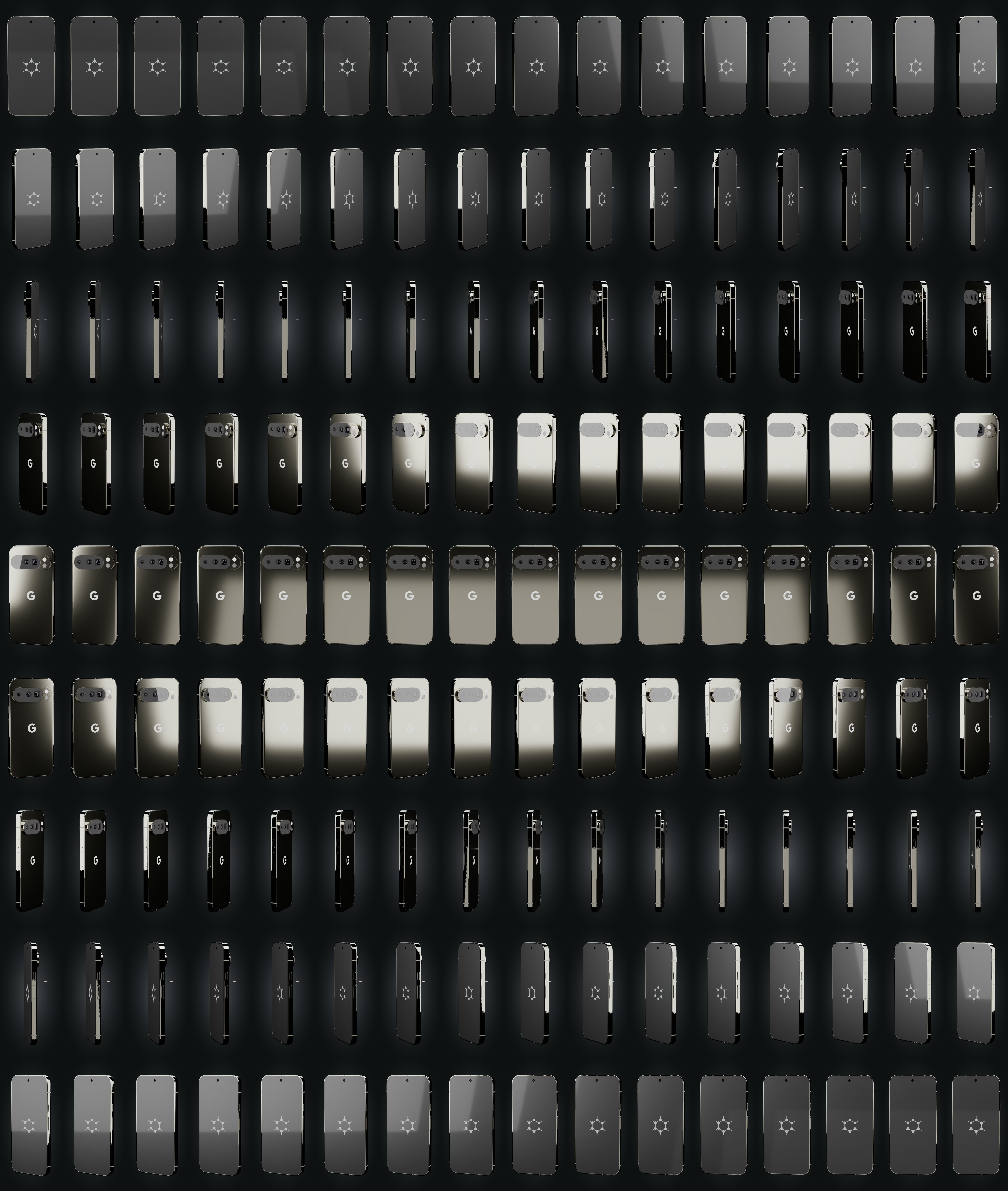
glisser pour tourner
Capabilities
Boot & firmware
Verified bootstock (upstream)
The bootloader is re-locked under GrapheneOS keys: the device refuses to boot a tampered system. Provided by GrapheneOS + Titan M2, re-locked at the workshop.
SourceSecure elementstock (upstream)
Titan
Dedicated chip that stores keys and throttles PIN attempts (Titan M2 on Pixel, dTPM on some ThinkPads).
SourceGuaranteed updatesstock (upstream)
≥ 2031
Security-update window documented by the manufacturer. Shown only when it is guaranteed.
SourceSystem & data
No Google by defaultstock (upstream)
No Google service required. Play Services, if you want them, run sandboxed without privileges.
SourceHardware memory taggingstock (upstream)
ARM MTE + hardened_malloc catch many memory-corruption bugs as they happen (Tensor G3/G4/G5).
SourceEncrypted at reststock (upstream)
FBE
Data is encrypted while the device is locked (FBE on phones, LUKS applied at the workshop on laptops).
SourcePer-app sensors/networkstock (upstream)
GrapheneOS toggles network, sensors, storage and contacts per app (Network/Sensors toggles, Storage/Contact Scopes).
SourceTheft & coercion
Duress PIN → wipeonsecret workshop
A duress PIN triggers an irreversible wipe. A last resort: it destroys, it does not protect you from being forced to enter the real code. GrapheneOS function, armed with you at handover.
SourceAuto-reboot (18 h)onsecret workshop
18 h
The device reboots after inactivity and returns to the 'before first unlock' state, far more resistant to extraction. Interval set at the workshop.
SourceLocked = charge-only USBonsecret workshop
When the screen is locked, the USB port carries power only — data is cut off.
SourceWorkshop & support
Installed, verified at the workshoponsecret workshop
We flash, verify integrity and re-lock every unit. For USB keys we provide the signature-verification procedure — don't take our word for it.
Provisioned, ready to useonsecret workshop
Baseline apps installed, permissions and battery exemptions set: RustDesk, FMD, ntfy, F-Droid, SimpleX, Aegis, OpenKeychain, Organic Maps (+ built-in Vanadium).
Support — attended onlyonsecret workshop
Our RustDesk fork (server and key baked in), self-hosted relay. Always initiated by you: you open the app and read us the ID + a one-time password. No MDM, no permanent access, revocable.
Locate / wipe remotelyonsecret workshop
Self-hosted FMD (fmd.onsecret.net), no Google. Best-effort: a device that is off or offline cannot be wiped immediately.
− Best-effort: no effect if the device is offline.
Push without Googleonsecret workshop
ntfy UnifiedPush (push.onsecret.net, deny-all), one credential and token per device — no FCM dependency.
Encrypted support channelonsecret workshop
SimpleX preconfigured: our SMP server added, a 1-1 with the support bot and the clients group wired up in advance.
Faraday packoption
+35 €
A Faraday sleeve added as an option — the same one we sell on its own for €79.
● stock (upstream)◆ onsecret workshop○ option— absent
What this does not protect against
- Does not protect the cellular baseband: proprietary, unauditable modem firmware; cellular leaks location and metadata to the carrier.
- Does not resist advanced physical extraction of a device seized powered-on and unlocked.
- Does not make you anonymous: IMEI, SIM, IP and accounts remain identifying — use Tor/VPN separately.
- Does not protect against coercion: anyone who can compel an unlock gains access.
What the workshop does to this device
Our pipeline
- GrapheneOS reflash, bootloader re-locked under GrapheneOS keys, integrity verified.
- Baseline apps installed, permissions and battery exemptions set (RustDesk, FMD, ntfy, F-Droid, SimpleX, Aegis, OpenKeychain, Organic Maps; built-in Vanadium).
- USB protection: data cut off while the device is locked.
- Tokens minted per device on our infrastructure (deny-all notifications, locate/wipe enrolment, pinned relay key).
- RustDesk preconfigured — our build, server and key baked in: zero setup for you.
- Guided hardening with you at handover: 6+ word diceware passphrase, duress PIN, auto-reboot (18 h), SimpleX channel wired to support.
- Customer sheet handed over; encrypted inventory kept at the workshop.
What you can ask us
- Support session: you open RustDesk and read us the ID + one-time password. Never the other way round.
- Emergency locate / wipe: on your authenticated request, via our self-hosted FMD (best-effort).
- Questions: preconfigured SimpleX, or Signal / PGP / anonymous ticket.
- Revocation: anytime — we remove the peer and the tokens.
- Re-provisioning after a factory reset.
What we do not do
- No access without you: no Device-Owner, no MDM, no persistent agent. The client code is our fork, published.
- We see neither your browsing, nor your messages, nor your traffic. The relay is self-hosted and end-to-end encrypted.
- Remote wipe is not a guarantee: a device seized and taken offline is protected only by its encryption and your code.
- We cannot recover a lost passphrase. That is by design.
Choose within the range
| Pixel 8a — GrapheneOS« Compact & sober »€833 Monero€1,190 card | Pixel 9 Pro — GrapheneOSHERE« The balanced one »€1,253 Monero€1,790 card | Pixel 10 Pro — GrapheneOS« The newest »€1,575 Monero€2,250 card | |
|---|---|---|---|
| Differences | |||
| Secure element | Titan M2 | Titan | Titan M2 + StrongBox |
| Guaranteed updates | ≥ May 2031 | ≥ 2031 | ≥ 2032 |
Same protections across the whole range. You choose the hardware and the update window, not the level of security.
Tight budget or small size → 8a. Camera, screen and RAM → 9 Pro. Longest update window → 10 Pro.
What it is
What this is
A refurbished Pixel 9 Pro, OS replaced with GrapheneOS, bootloader re-locked under your keys (verified boot active). Recent Pixels expose hardware memory tagging (MTE), on by default to make whole classes of memory-corruption exploits fail fast.
Honest positioning
GrapheneOS raises the cost of compromising the OS; it does not change the radio. The baseband, SIM and IMEI still identify you to the carrier.
Usage guide
Verify integrity
On arrival: locked bootloader (yellow screen + key fingerprint, compare to the install page) and hardware attestation via Auditor.
Hardening
- USB-C port control: data off while locked.
- Auto-reboot to return to before-first-unlock.
- Storage/Contact Scopes instead of blanket permissions.
- Network: route via Orbot/Tor.
- Duress PIN (wipe): understand it and your local law first.
Specifications
| Device | Google Pixel 9 Pro |
|---|---|
| Storage | 256 GB (fixed, non-expandable) |
| RAM | 16 GB LPDDR5X |
| SoC | Google Tensor G4 + Titan secure element |
| OS | GrapheneOS, bootloader re-locked with GrapheneOS keys |
| Hardware security | ARM MTE, hardened_malloc, IOMMU-isolated baseband |
| Updates | Google firmware guaranteed through 2031 |
After purchase
Your device arrives already prepared — this guide is for redoing everything yourself or checking our work.
Open the full guide
Vérifier l'intégrité
À la réception : bootloader verrouillé (écran jaune + empreinte de clé à comparer à la page d'installation) et attestation matérielle via Auditor.
Durcissement
- Contrôle du port USB-C : données coupées quand verrouillé.
- Redémarrage auto pour revenir à l'état avant-premier-déverrouillage.
- Storage/Contact Scopes plutôt que permissions globales.
- Réseau : routez via Orbot/Tor.
- Code de contrainte (effacement) : à comprendre selon votre juridiction.
Verifiable sources
- GrapheneOS — appareils supportés Verified on: 15 June 2026
- Installation GrapheneOS Verified on: 15 June 2026
- Guide d'utilisation GrapheneOS Verified on: 15 June 2026
- Auditor (attestation) Verified on: 15 June 2026